Windows 11 26H2 Reportedly Uses Just 2.5GB of RAM After a Rufus Debloated Install
A user who installed the update with Rufus 4.15’s “Quality of Life” option reported low memory use, though the result has not been confirmed across different PCs.
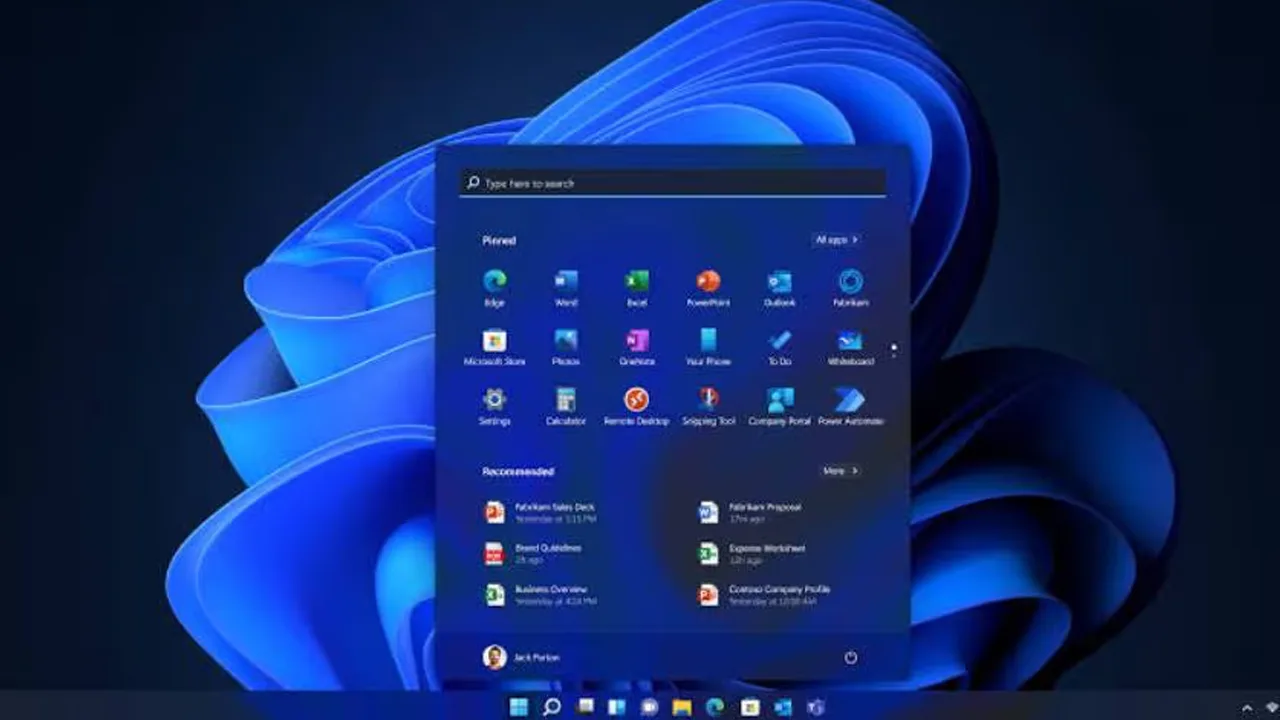
Windows 11 26H2 reportedly used only 2.5GB of RAM after installation with Rufus 4.15’s debloating option. Learn how it works and what users should know.
Windows 11 version 26H2 has reportedly used just 2.5GB of RAM on a desktop PC after being installed with a debloating option in Rufus, a popular utility for creating bootable USB drives. According to a report, the user installed Windows 11 26H2 using Rufus 4.15 and noticed the low memory use in Task Manager, with about 2.5GB in use and around 2.1GB cached. The finding has not been established across different hardware configurations.
The Test PC
The desktop used an AMD Ryzen 5 3500 processor, based on AMD’s Zen 2 architecture, and 16GB of DDR4-2133 memory in two 8GB modules.
How Rufus Helps
Rufus added a “Quality of Life” option in version 4.14 that lets users remove selected preinstalled Windows components and apps during installation. It can disable apps such as Microsoft Teams, Outlook and Copilot, which may otherwise run background processes and use resources. Fewer background apps and services can lower memory use, especially on PCs with limited RAM. The latest version, 4.15, also includes fixes for installation issues and options related to bypassing Windows 11 system requirements.
Microsoft Is Also Working on It
Microsoft confirmed in July that it was working to improve Windows 11’s memory usage, with the planned optimisations mainly targeting systems with 8GB of RAM or more. Windows 11’s minimum requirement still lists 4GB of RAM. The reported 2.5GB figure does not prove that Rufus alone caused the lower usage, since Microsoft’s own optimisations and the specific test setup may also have contributed.
What Users Should Know
Review the available options carefully before using a debloated installation.
Back up important files first.
Make sure essential Windows services and apps remain available, because removing components may affect features you rely on.
Broader testing would be needed to show how consistently this approach reduces memory use across different PCs.
Related stories
 IT Exports
Instagram Tests AI Song Creation in DMs: Write Lyrics, Pick a Genre, Get a Full Track
 IT Exports
ChatGPT Lets Users Try On Clothes Before Buying
 IT Exports
OpenAI May Launch "o" as an Always-On ChatGPT Assistant
 IT Exports
7,000 Fake Photos, 10,000 Followers, One 65-Year-Old Cleaner Pretending to Be a 29-Year-Old Doctor
 IT Exports
50% of Pakistan's IT Exports Go to One Country — Here's What Just Got Announced to Deepen That Bond
 IT Exports