NADRA Shares Step-by-Step Guide to Recover Locked Pak-ID Accounts
A simple four-step process lets citizens reset their password using their ID card number, email verification, and biometric confirmation.
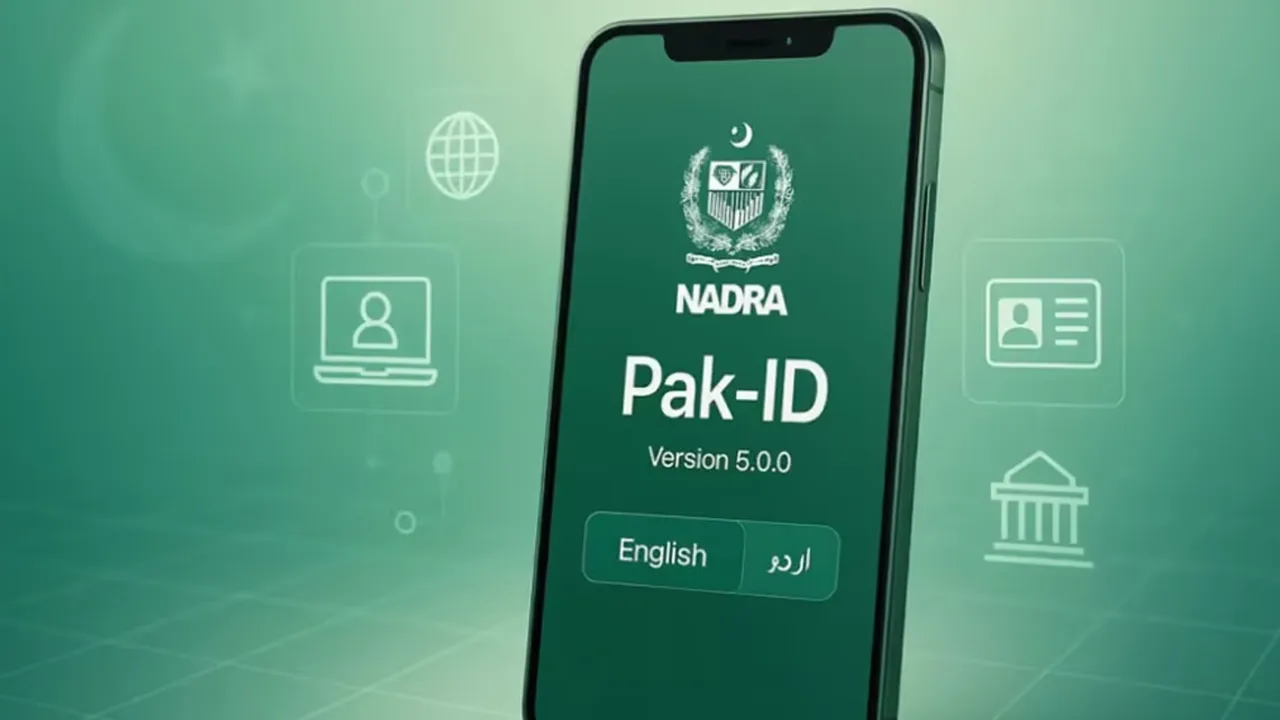
NADRA outlines a simple four-step process to recover a locked Pak-ID account, from entering your ID number to biometric verification.
NADRA has introduced a simple procedure for citizens who forget their Pak-ID password or are unable to log in to the mobile application, outlining an easy process to restore account access.
The Four Steps
Enter ID Card Number: On the Pak-ID app login screen, enter your ID card number, then tap "Forgot Password."
Enter Email Address: If you've forgotten the email linked to the app, simply enter your current, active email address and tap "Go Ahead."
Receive OTP: A One-Time Password will be sent to your provided email — enter this code into the app.
Biometric Verification: Complete biometric verification as instructed, then set a new password and log back in.
NADRA advises citizens to use an active email address and safely store their login information to ensure uninterrupted access to the Pak-ID app.
Related stories
 Breaking
Navy Seizes Over 2,800kg Narcotics Worth $750m in Arabian Sea
 Pakistan
Pakistan, Saudi Arabia and Turkiye Pledge Closer Defence Cooperation After Makkah Attacks
 Pakistan
NADRA Announces New Fee Structure for Its Services
 Pakistan
Pakistan Strikes 10 Afghan Sites After Drone Attacks
 Pakistan
Pakistan's Air Defence Delivers a Flawless Response: All 8 Infiltrating Drones Destroyed
 Pakistan