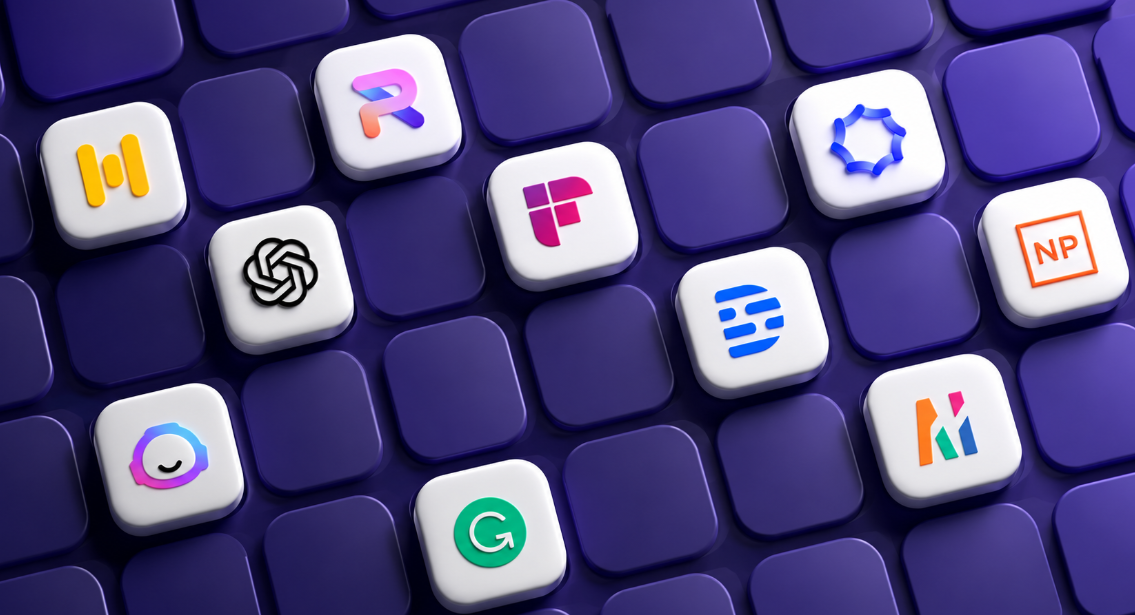
AI tools have moved past being a novelty and become genuine time-savers for anyone juggling coursework, deadlines, or client work. Whether you’re writing essays, managing a freelance workload, or trying to stay organized, there’s likely an AI tool built for exactly that. Here are ten worth using in 2026.
1. ChatGPT
The most versatile tool on this list, useful for both students and freelancers. Students use it to get explanations, brainstorm essay ideas, and understand tricky concepts, while freelancers lean on it for drafting emails, outlining proposals, and speeding up writing tasks. It’s a strong starting point before adding more specialized tools to your routine.
2. Perplexity AI
Unlike a typical AI chatbot, Perplexity is built like a research-focused search engine that shows exactly which sources back up its answers. Instead of digging through fifteen different Google results, you can ask a research question directly and get a summarized answer with clickable citations. This makes it especially useful for students working on research papers who need to trace information back to a real source.
3. NotebookLM
This tool is built specifically for studying from your own material, lecture notes, textbook PDFs, or research documents. Upload what you’re working with, and it helps you understand, summarize, and quiz yourself on that exact content rather than pulling general information from the internet. It’s one of the better tools for exam prep since it stays grounded in your actual course material.
4. Grammarly
Grammarly has grown well beyond a basic spell-checker. It now helps polish tone, clarity, and professionalism in writing, useful for students submitting assignments and freelancers sending proposals or client emails where first impressions matter. A clean, well-written message often makes the difference in landing freelance work.
5. Notion AI
Notion AI works as an all-in-one workspace for organizing notes, tasks, and projects. Students use it to manage assignments and group projects in one place, while freelancers rely on it to track client work, draft documents, and keep deadlines organized. It’s especially useful once your workload grows beyond what you can track in your head.
6. Canva AI
Design work used to require either skill or paid software, Canva AI removes both barriers. Students can use it to build presentations, posters, and infographics, while freelancers use it to create social media graphics, marketing materials, and client deliverables without needing a design background. Its AI features can generate layouts and graphics quickly, which is a real time-saver on tight deadlines.
7. Elicit
Built specifically for academic research, Elicit finds relevant scholarly articles, summarizes their findings, and compares outcomes across papers. It’s particularly useful for students working on theses, capstone projects, or any assignment that requires digging through academic literature rather than general web content.
8. Zapier
Zapier connects different apps and automates repetitive tasks between them, sending an email when a form is submitted, or updating a spreadsheet when a client pays an invoice. Freelancers benefit the most here, since it cuts down on manual admin work that eats into billable hours.
9. Wolfram Alpha
For anyone dealing with math or science-heavy coursework, Wolfram Alpha solves equations and shows the actual steps behind the answer, rather than just spitting out a final number. This makes it genuinely useful for learning, not just for getting a quick answer to copy down.
10. Asana AI
For freelancers juggling multiple clients or students managing group projects, Asana AI helps plan and track tasks more efficiently. It uses AI to help organize timelines and responsibilities, which becomes valuable once you’re managing more than a couple of moving pieces at once.
Using AI Tools the Right Way
A few habits make a real difference in how useful these tools actually are:
Pick tools for real problems you have, don’t add tools just because they exist. Master one before adding another.
Always double-check the output. AI can produce confident-sounding answers that are still wrong, so proofread and verify before submitting assignments or sending client work.
Use AI to support your work, not replace your understanding. For students especially, using AI to skip learning entirely defeats the purpose of school in the first place.
Write clear, specific requests. The quality of what you get back depends heavily on how clearly you ask for it.
Final Thoughts
The best AI setup isn’t about collecting as many tools as possible, it’s picking the ones that solve your actual daily friction points. A student juggling research and writing might only need ChatGPT, NotebookLM, and Grammarly. A freelancer managing several clients might get more value from Notion AI, Canva AI, and Zapier working together. Start small, get comfortable with one or two tools, and build from there.