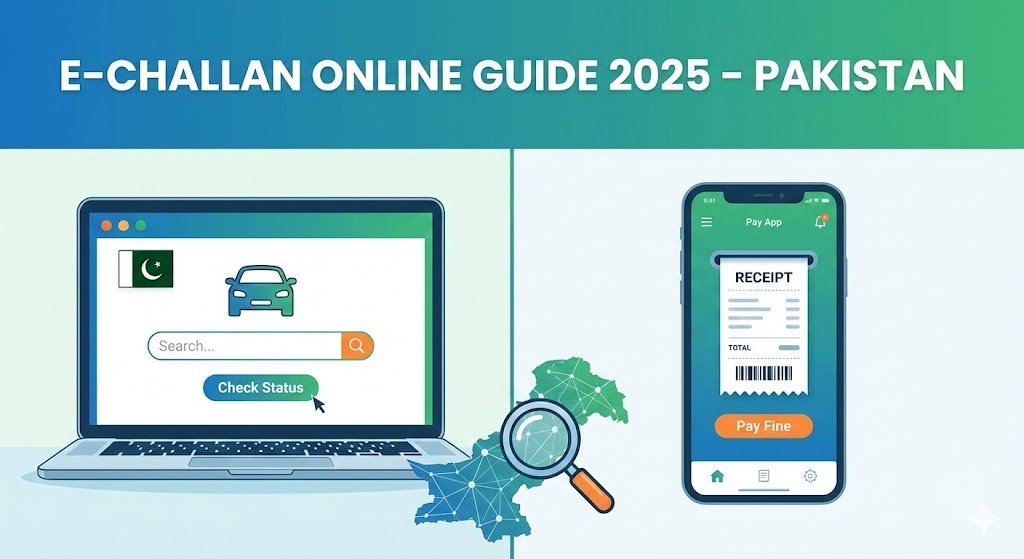
Checking your e-challan online in Pakistan has now become extremely easy thanks to digital systems introduced by the Punjab Police, Sindh Police, and Islamabad Safe City Authority. Whether you received a traffic violation for overspeeding, signal breaking, lane violation, or parking issues, your traffic e-challan can be checked and paid online within minutes.
This guide explains how to check e-challan online, how to download the challan, payment methods, common errors, and the fastest official portals used across Pakistan.
What Is an E-Challan in Pakistan?
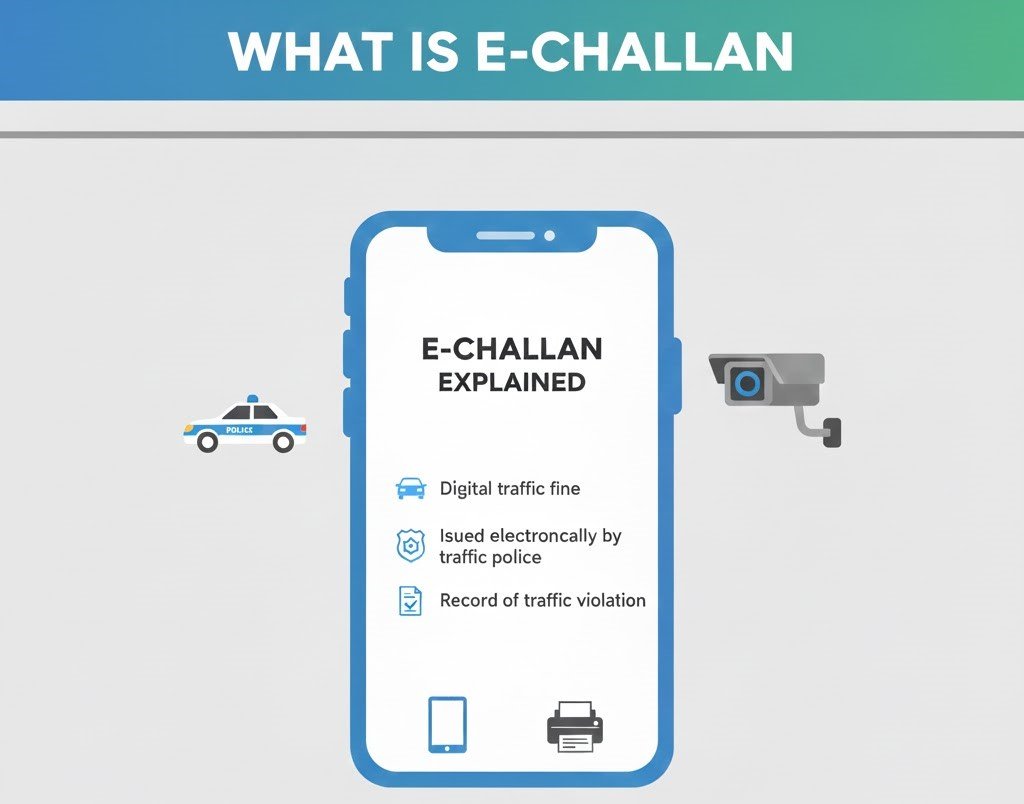
An e-challan is a digital traffic violation ticket issued by:
- Punjab Safe Cities Authority (PSCA)
- Punjab Police
- Islamabad Safe City
- Sindh Police Traffic Section
Cameras installed on roads capture the violation and automatically generate an electronic challan under the Electronic Ticketing System (ETS).
How to Check E-Challan Online in Pakistan (Step-by-Step)
Below are the official methods to check your e-challan across Pakistan.
1. Check E-Challan Online in Punjab:
Punjab residents can use the official PSCA E-Challan System.
Step-by-Step Method
- Visit: echallan.psca.gop.pk
- Enter your Vehicle Number
- Enter your CNIC Number
- Click Submit
- Your pending e-challans, images, and amount will appear
- Download or print the challan
Online Payment Options
- JazzCash
- Easypaisa
- Online banking
- ATM payment
- PSCA mobile app
2. Check E-Challan in Sindh
Sindh Police recently introduced online challan verification for Karachi.
How to Check
- Visit: sindhtrafficpolice.gos.pk
- Select E-Challan
- Enter Vehicle Number
- View challan details & payment methods
You can also pay challan at Bank Al Habib, NBP, and mobile wallets.
3. Check Islamabad E-Challan (Safe City Project)
Islamabad Safe City cameras issue digital challans for traffic violations.
How to Check
- Visit: islamabadpolice.gov.pk
- Open E-Challan section
- Enter your Vehicle Number
- Download or print challan
- Pay using banking apps or ATMs
4. Check E-Challan via SMS (Punjab Only)
To check via SMS:
Send your Vehicle Registration Number to: 8815
You will receive a reply with any pending challans.
Why Do People Receive E-Challans? (Most Common Reasons)
E-challans are usually issued for:
- Over-speeding
- Signal violation
- Lane violation
- Helmet violation
- One-way rule violation
- Illegal parking
- Missing number plates
- Tinting cars
Traffic cameras automatically detect violations and instantly generate a challan.
Why the E-Challan System is Important in Pakistan:
The electronic challan system helps:
- Reduce corruption
- Improve road safety
- Ensure transparency
- Provide evidence with pictures
- Make payment easier for citizens
It has been adopted in Punjab and is expanding across Pakistan.
How to Pay E-Challan Online:
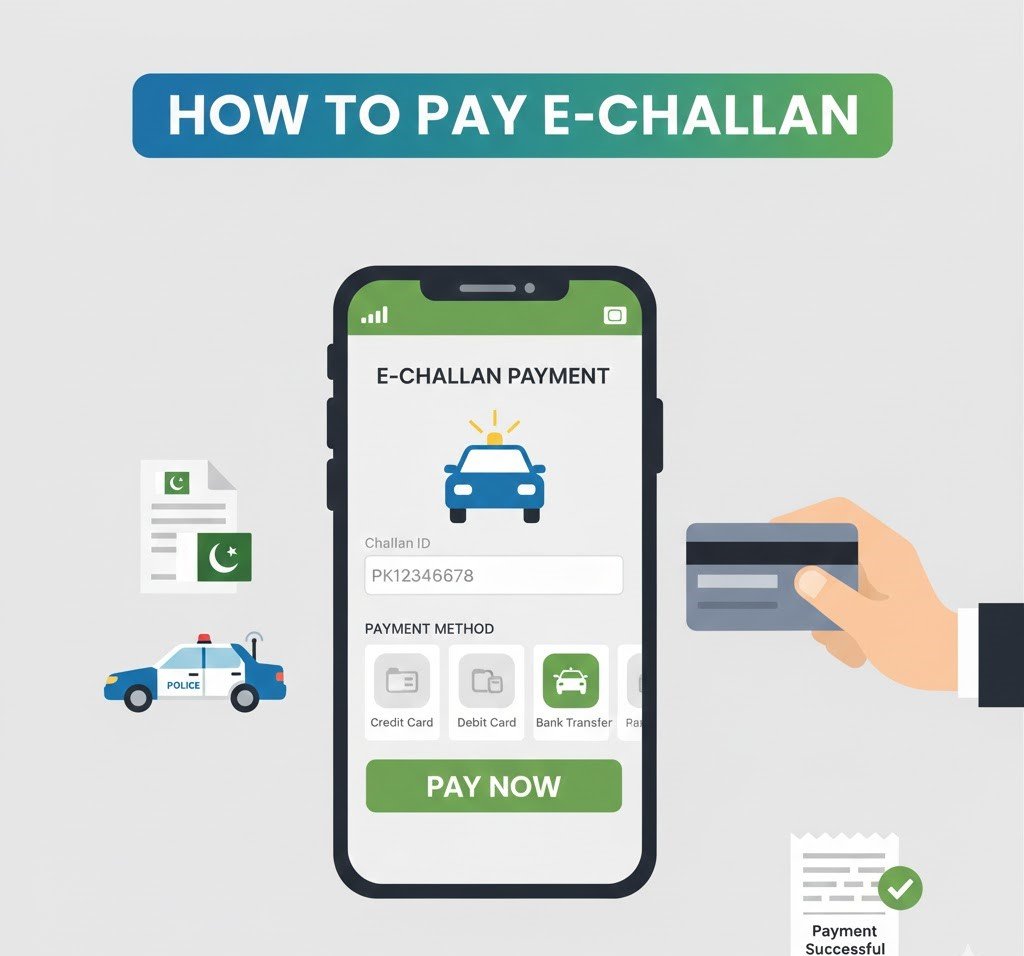
You can pay using:
1. JazzCash
- Open the app
- Go to Traffic Challan
- Enter vehicle number
- Pay instantly
2. Easypaisa
- Tap Payments → Traffic Challan
- Enter details
- Pay
3. Online Banking Apps
Most banks support challan payments through:
- 1Link
- ATM payments
- Mobile banking
4. Bank Counter Payment
You can also print the challan and pay at:
- NBP
- Bank Al Habib
- HBL
- MCB
- UBL
Common Issues When Checking E-Challan:
❌ Vehicle number not found
✔ Check spacing (e.g., LEB-19-1234)
❌ Challan not appearing
✔ Try again after 24 hours (sometimes delayed)
❌ Wrong CNIC
✔ Enter the CNIC of the vehicle owner
❌ Website not loading
✔ Try at night or early morning (low traffic)
Conclusion
Checking your e-challan online in Pakistan is now a simple, quick, and hassle-free process. Whether you live in Punjab, Sindh, or Islamabad, you can easily verify your challan using online portals, SMS services, or mobile wallets. With digital systems continually improving, the entire process has become more transparent and user-friendly.